

Solution
Microsoft Power BI
One clear picture of the business from all your dataPower BI brings together information from ERP, CRM, Excel, e-stores and other sources into interactive reports and dashboards.
From separate data sources to a unified business view
Data in business is often distributed across different systems, files and departments. Power BI brings them together in a common model so management and teams can work with the same metrics and see what's happening in real time.
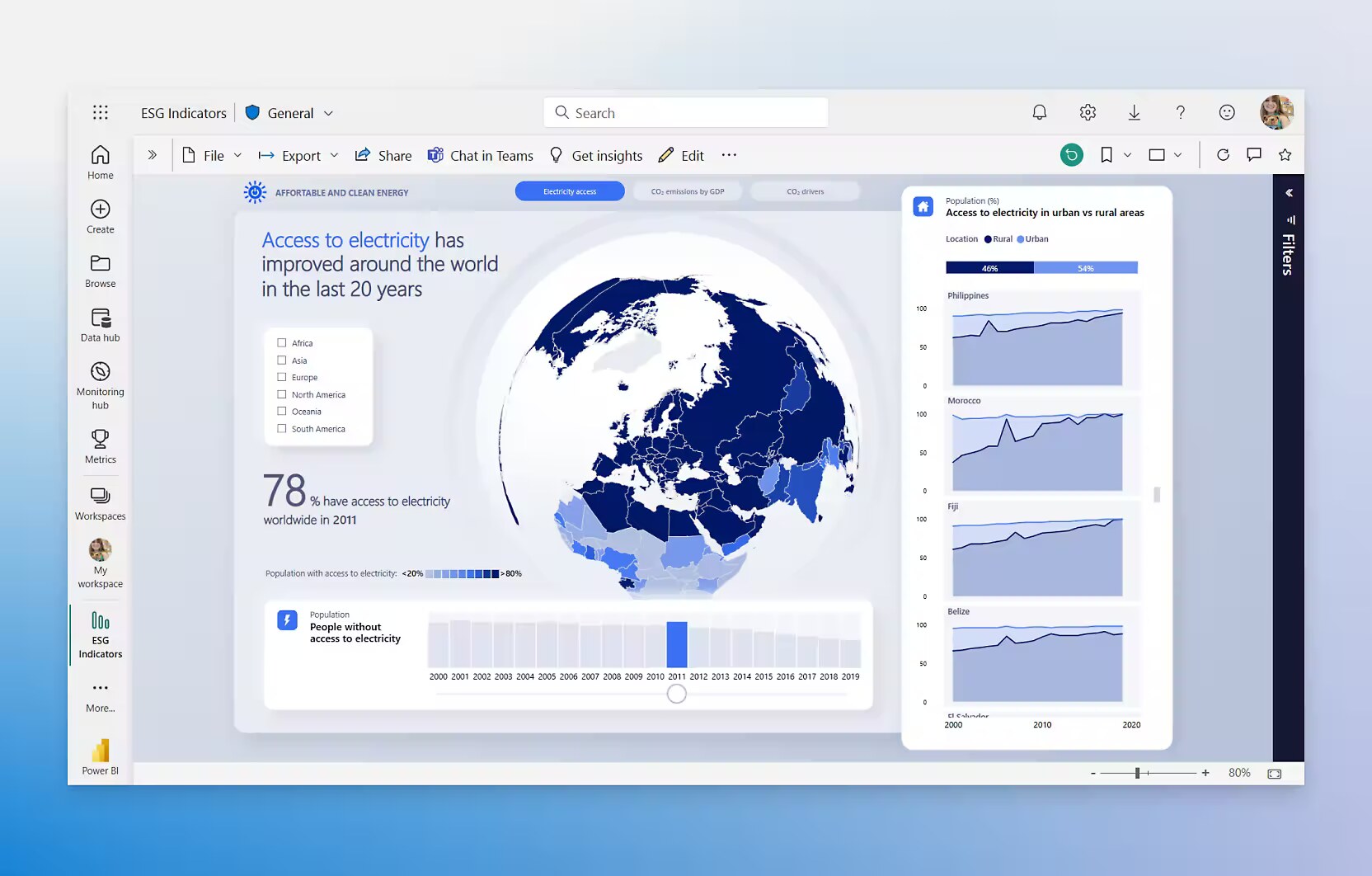
Power BI gives companies the ability to visualize their data in a new and intuitive way. This platform transforms complex data into understandable and useful information, which greatly facilitates the decision-making process.
Thanks to Power BI, companies can quickly analyze their data, identify trends and patterns, and respond in time to changes in the business environment. This enables teams to work more efficiently and achieve better results by harnessing the power of data for strategic planning and operational efficiency.
Among the main advantages of Power BI is the ability to create dynamic and interactive graphs, charts and dashboards that make data analysis easy, visually appealing and understandable even for users without specialized knowledge.
The platform also provides the ability to integrate with various data sources, including databases, cloud services and files, which gives a complete picture of the business and allows the unification of data from different systems for more complete and accurate analysis.
We augment analytics solutions with AI to explain anomalies, detect dependencies, predict and work with data in natural language.
Key capabilities
Unified data model
Dashboards and reports
Self-service analytics
Data control and quality
Access by roles and responsibilities
Automatic refresh and notifications
Unified data model
We combine information from different systems and sources into a common structure with clear indicators and calculation rules.
Dashboards by role
Everyone sees the metrics that are important to their work - owner, manager, marketer, finance team or operations manager.
Control access and sharing
Access to data is managed by users, roles, companies, regions or other organizational rules.
What we use Power BI for
Finance
Revenue, expenses, profit, margins, receivables, payables and cash flow.
Sales
Revenue, customers, products, salespeople, regions, actual versus target performance and margins.
Warehouse and inventory
Inventory value and composition, turnover, slow-moving stock and shortages.
Production
Volumes, throughput, variances, cost, scrap and capacity utilization.
Retail trade
Sales by sites, categories and periods, average basket, stock and store efficiency.
Management
A summary picture of the company's key indicators in one dashboard.
What ITC Consult brings
Connection to ERP.net, Odoo and other business systems
Modeling and data preparation
Defining management KPIs
Design reports and dashboards
Access rights and roles
Support and development of analytical solutions
FAQ
Frequently asked questions
Are you only connecting Power BI to ERP.net, Odoo and SAP?
No, we connect Power BI to different data sources.
How do you ensure that everyone is working with the same data?
We build a shared data model, clearly defined metrics and rules for access and accountability.
Where does the dashboard data come from?
From ERP, CRM, online store, Excel and external services, united in a common semantic model.
How quickly do you see the first result?
The first working dashboards are usually ready within 3–4 weeks.
How is data access managed?
With row-level security, each user sees only their own locations, regions or customers.
Are licenses required for all users?
Not necessarily — with Premium capacity, report recipients can view them without an individual Pro license.
Ready to get started?
Tell us about your goals - we will contact you to discuss consultation options.
Contact us